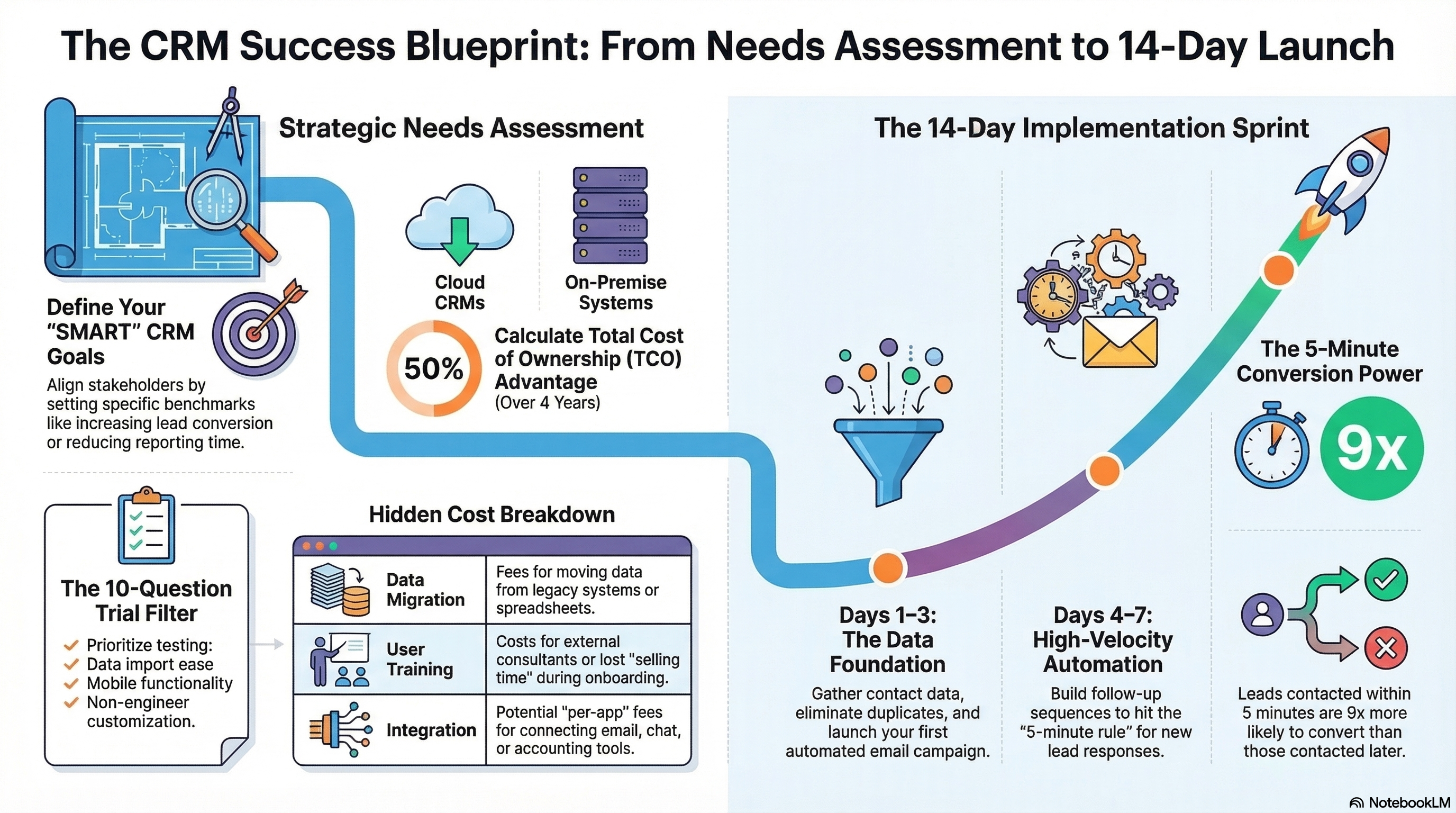
Most people sign up for a CRM trial, click around for a day, get distracted, and let it expire. That tells you nothing about whether the tool will actually improve your sales process. Here's a structured 14-day playbook to evaluate any CRM properly.
Before the Trial: Define Success
Before you even sign up, write down the top 3 problems you want the CRM to solve. Be specific:
- "We lose leads because nobody follows up within 24 hours" — test automation speed
- "We don't know which leads are worth pursuing" — test lead scoring/prioritization
- "Deals stall in the pipeline and we don't know why" — test pipeline visibility and task management
Your trial should directly test these problems, not explore every feature.
Days 1–3: Foundation
- Create one pipeline with 5–7 stages that mirror your real sales process
- Import your top 50 active leads (not your entire database)
- Connect your email and calendar
- Set up one automation: an instant follow-up email when a new lead enters the pipeline
Goal: have a working pipeline with real data by end of day 3.
Days 4–7: Automation Test
- Build a 5-step follow-up sequence for new leads (day 0, day 1, day 3, day 5, day 7)
- Create task automations: when a deal moves stages, auto-create the next action
- Set up lead routing or assignment rules if you have multiple team members
- Measure: how long from lead entry to first automated contact?
Goal: have automated follow-up running on real leads by end of day 7.
Days 8–11: Real Usage
- Use the CRM as your primary system for all sales activity (no spreadsheets, no sticky notes)
- Log every call, email, and meeting in the CRM
- Move deals through pipeline stages as they progress
- Note friction: what takes too many clicks? What's confusing? What's missing?
Goal: experience the tool as a daily driver, not a demo.
Days 12–14: Evaluate
Answer these questions honestly:
- Speed-to-lead: Did automation reduce response time compared to your old process?
- Pipeline clarity: Can you see every deal's status and next step at a glance?
- Adoption friction: Would your team actually use this daily, or is it too complex?
- Missing features: Is there anything critical you couldn't do during the trial?
- ROI potential: Based on 2 weeks of data, would this tool pay for itself?
The Most Common Mistake
Don't try to evaluate the CRM by migrating your entire database and configuring every feature. That's an implementation project, not a trial. Instead, test the core workflow — lead capture → follow-up → pipeline management — with a small, controlled dataset. If that workflow feels right, the rest will follow.
Listen to the Podcast
See our Big 4 comparison table and start a free trial today.